
Freshbet App
Android: a dedicated APK file with a one-time permission change, because the Google Play Store does not host real-money casino apps. iOS: a shortcut that opens full-screen. Either way you can make deposits from €20 and request withdrawals without opening a desktop browser.
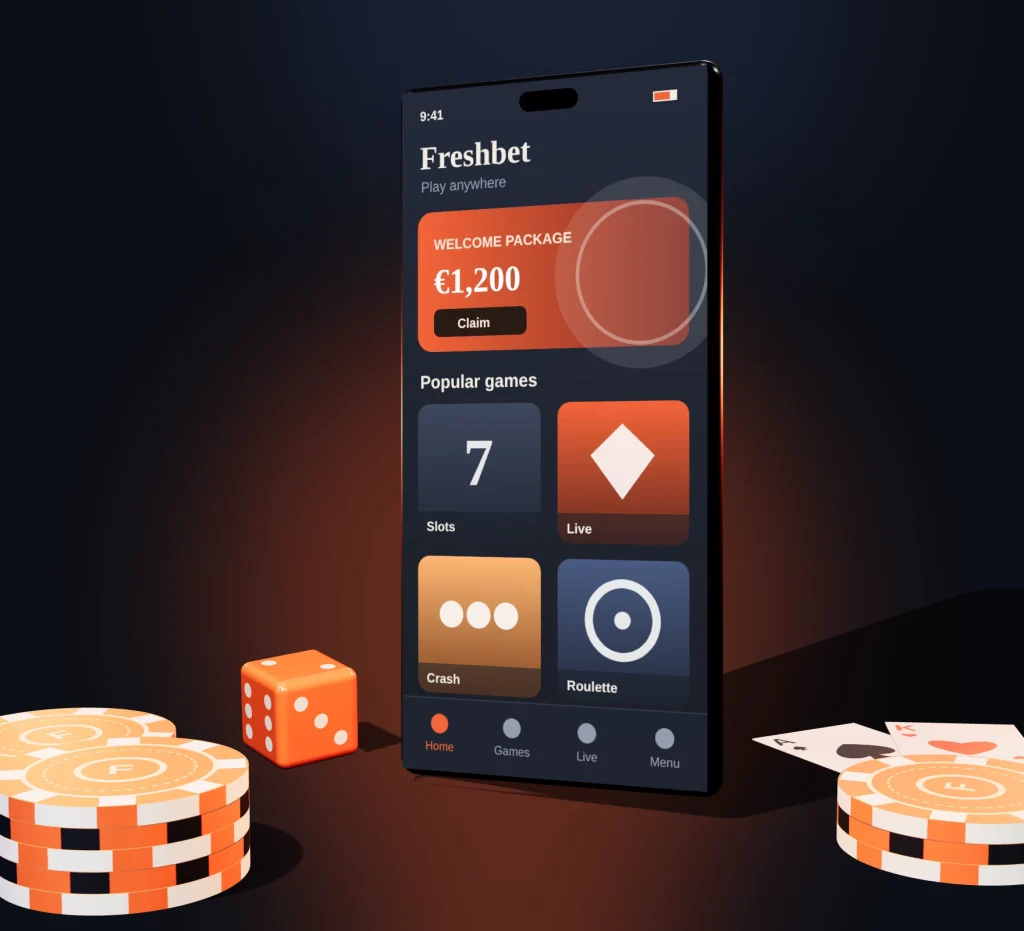
Freshbet on your phone
Android APK Software Setup
For Android users, Freshbet provides a dedicated APK file designed for smooth installation and optimal system responsiveness. The native setup ensures fast loading times, low latency during live casino sessions, and reduced mobile data consumption compared to desktop browsing.
Device Security Permissions
Before launching the APK installation, your device requires permission to process application files obtained outside the official Google Play Store. These standard permissions ensure that system safeguards remain active while enabling our mobile app to run smoothly:
- Installation from Unknown Sources: Enable this setting in your Android security preferences to permit the APK package to install.
- Storage Access: Required for saving local system caching files, enabling rapid app loading and lower data usage.
- Network Access: Essential for secure communication with Freshbet servers during games, authentication, and cashier transactions.
- Push Notifications: Allows our mobile app to notify you about limited-time bonuses, tournament alerts, and payout confirmations.
Package Installation Steps
To install our Android app you need to:
- Open your mobile browser and navigate to the official Freshbet website.
- Go to the Mobile App section and tap “Download Android APK”.
- While the file downloads, open your device Settings -> Security (or Privacy) and enable “Install from Unknown Sources”.
- Open your device’s Downloads folder and tap the downloaded .apk file.
- Confirm the installation prompts and wait for the process to complete.
- Launch the Freshbet app from your home screen, log in, and start playing.
Create your account in a minute and play on your phone.
18+. By signing up you confirm you are of legal age. Play responsibly. Already have an account? Log in
iOS Web Application Setup
Due to App Store policies regarding real-money gaming apps in certain regions, Freshbet offers a highly optimized Progressive Web Application (PWA) for iOS devices. It functions identically to a native iOS app without requiring manual file downloads or system overrides.
To set up our iOS application on your iPhone or iPad:
- Open the Safari browser on your iOS device and visit the official Freshbet website.
- Tap the “Share” icon (the square with an upward arrow) at the bottom of the Safari screen.
- Scroll through the options menu and select “Add to Home Screen”.
- Rename the shortcut to “Freshbet” if desired, then tap “Add” in the top right corner.
The Freshbet icon will now appear on your iPhone home screen. Tapping it opens a dedicated, full-screen gaming environment powered by iOS WebKit, providing single-tap access and native-level speed.
Mobile Cashier Integration
Our mobile application features a built-in cashier module, allowing you to manage your balance, claim bonuses, and request payouts safely from your smartphone. All payment channels available on desktop are fully integrated into our mobile environment:
Mobile transactions are protected by device-level authentication tools, including Face ID, Touch ID, and biometric fingerprint login, adding an extra layer of protection to every deposit and withdrawal.
Technical standards
To ensure stable performance across both new and older smartphone models, the Freshbet app is optimized according to strict technical standards.
Adaptive UI Resolution
The interface automatically scales to any display size, from compact smartphone screens to large tablets.
Low Data Usage
System elements and graphics are cached locally, reducing network load and enabling smooth gameplay on 4G/5G or Wi-Fi connections.
Battery Saver Mode
Lowers background resource usage, extending battery life during long gaming sessions.
HTML5 Game Compatibility
Every video slot, crash game, and live stream is rendered in HTML5, eliminating the need for external plugins or Flash support.
Take Freshbet with you
Open your account on any phone and start playing in a few taps.
Frequently Asked Questions
Is the Freshbet APK free to download?
Yes, downloading and installing the official Freshbet APK from our official site is completely free of charge.
Why can't I find the Freshbet app on the Google Play Store?
Google Play restricts real-money gambling applications in certain geographical regions. Downloading the official APK directly from our official site is the safest and primary method for Android users.
Does the iOS web app receive automatic updates?
Yes, the iOS PWA updates automatically whenever you launch it, ensuring you always have access to the latest security protocols, games, and features without manual updates.
Can I use Face ID or Touch ID to log into the mobile app?
Yes, if your device supports biometric security and you have it enabled in your browser or device settings, you can use Face ID or fingerprint login for fast and secure access.